
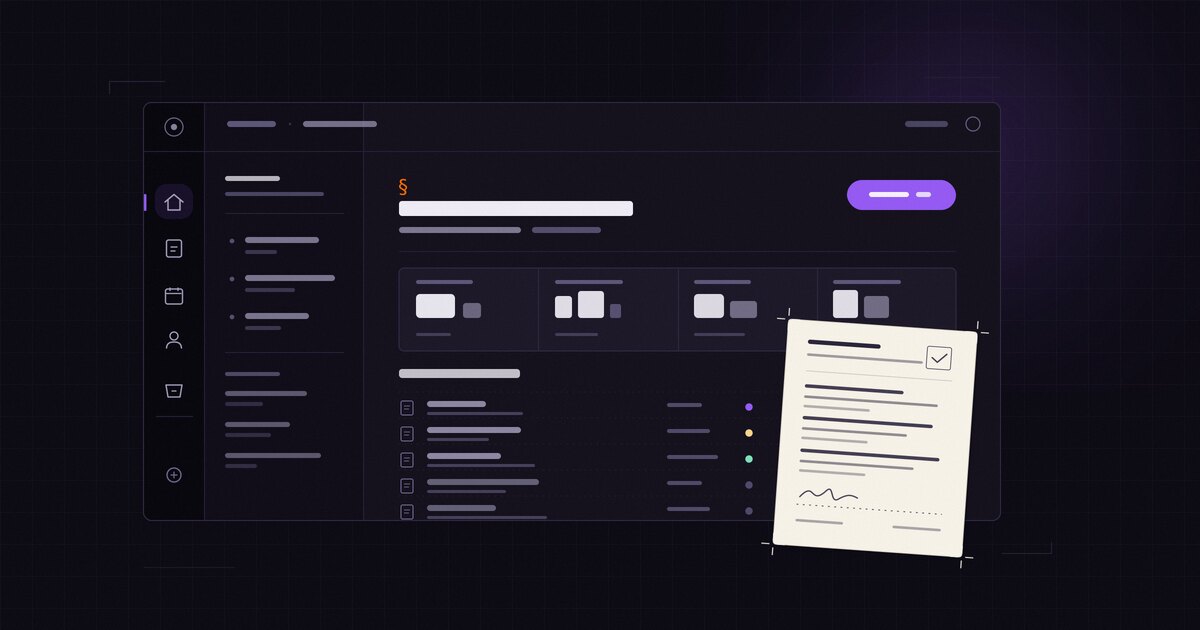
Most people open DottSign between other work. They want to know what needs them today, do that one thing, and get back to their day. The old web app made you go looking for the answer. The new one starts with it.
Starting today, the DottSign web app has a new look, new navigation and a new Home. It is the same product you know from dottsign.com, with the same ink, warm paper and serif type, and your contracts are exactly where you left them. Here is what changed.
A new look, dark by default
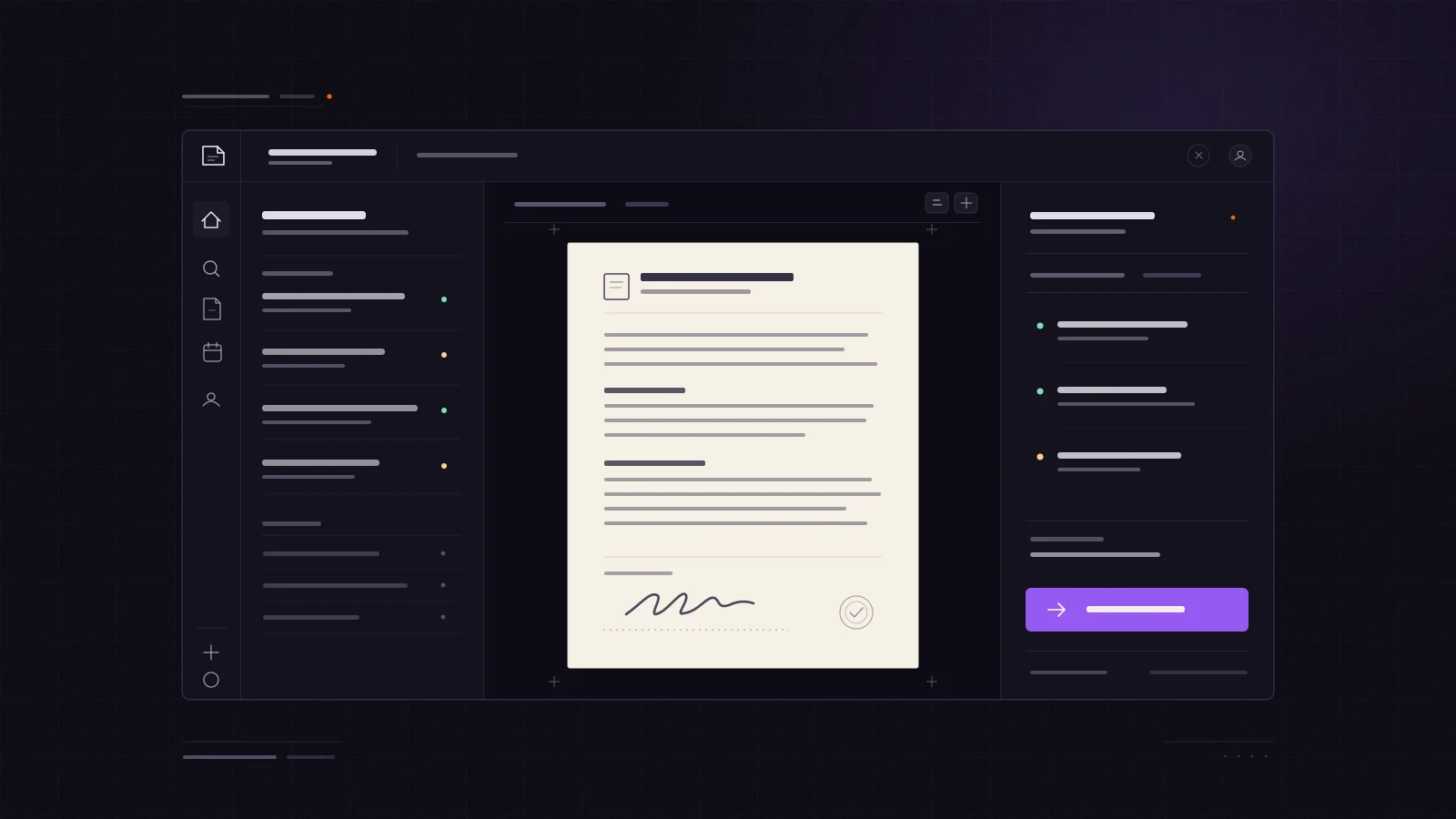
The app now uses DottSign's "ink and paper" style. Screens are deep violet ink, and warm paper is kept for the thing that matters most: the contract itself. When you open a document, it reads like a page, not like another card on a dashboard.
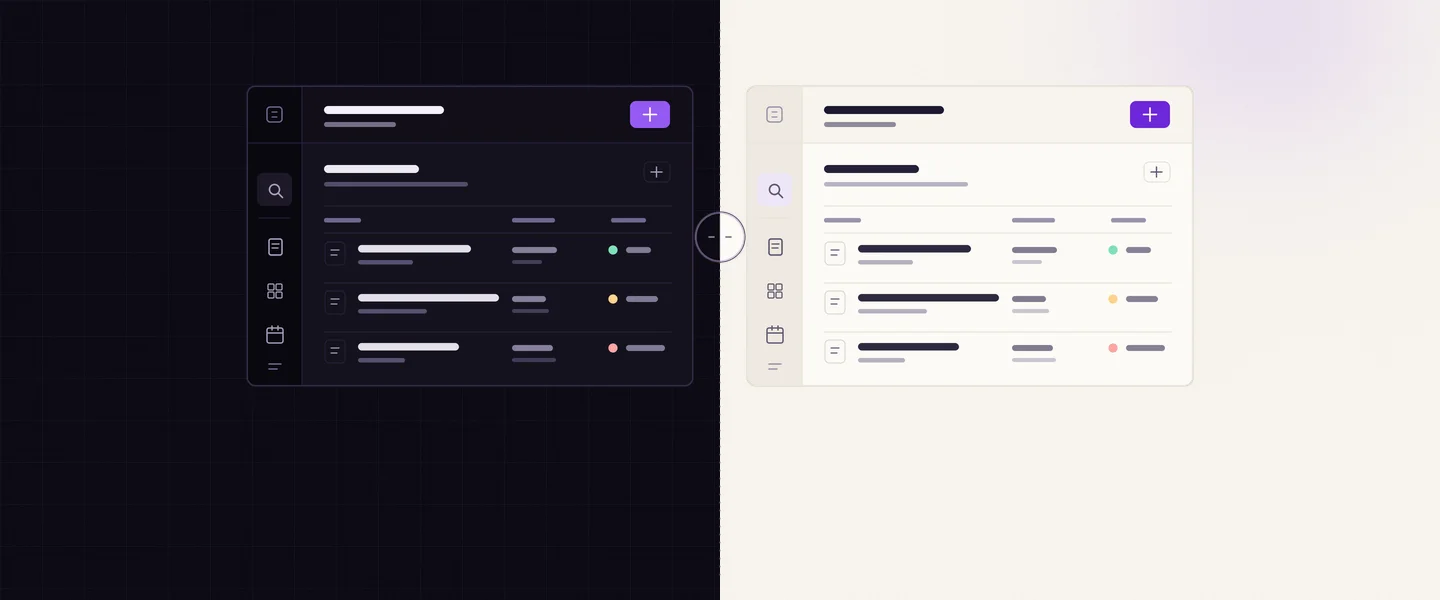
DottSign now opens in dark mode. Prefer light? Open your avatar menu, choose Theme, and pick Light or System. If you had already picked a theme on this browser, we kept it.
Home shows what needs you
Home now answers one question first: what needs you today?
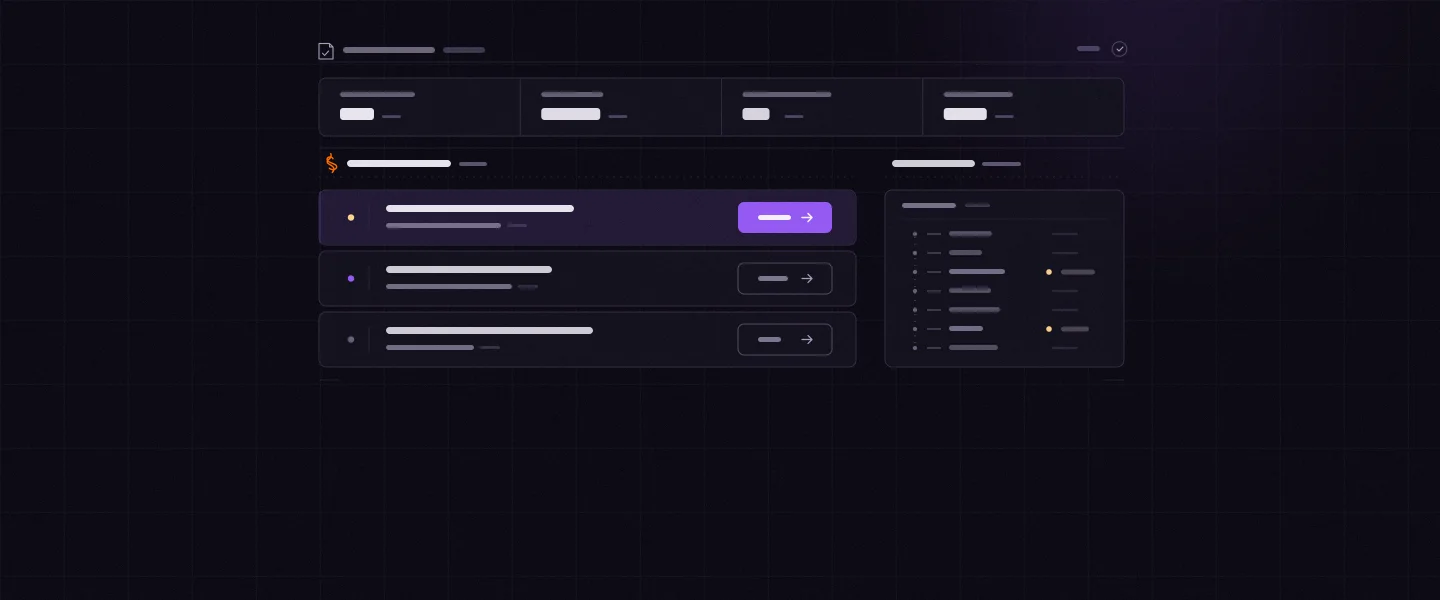
- Needs you lists the contracts waiting on your signature, then the ones waiting on other people, in priority order. Each row has one button that does the obvious next thing.
- This week shows every date coming up in the next seven days.
- A tally at the top counts your contracts at a glance, and Recent contracts keeps the last ones you touched within reach.
When nothing needs you, Home says so. An empty list is good news. New accounts get a short setup checklist instead of a blank page, so the first contract is only a few steps away.
Navigation that stays put
A slim sidebar now holds every screen, always in the same place. Screens with more to show, like Contracts or your organisation, open a second panel next to it for filters and sections. Organisation settings and workflows open as sub-menus with breadcrumbs, so you always know where you are and how to get back.
On a phone, the same navigation moves to bars at the top and bottom of the screen.
⌘K, N and /
If you like the keyboard, the new app is built for you:
| Shortcut | What it does |
|---|---|
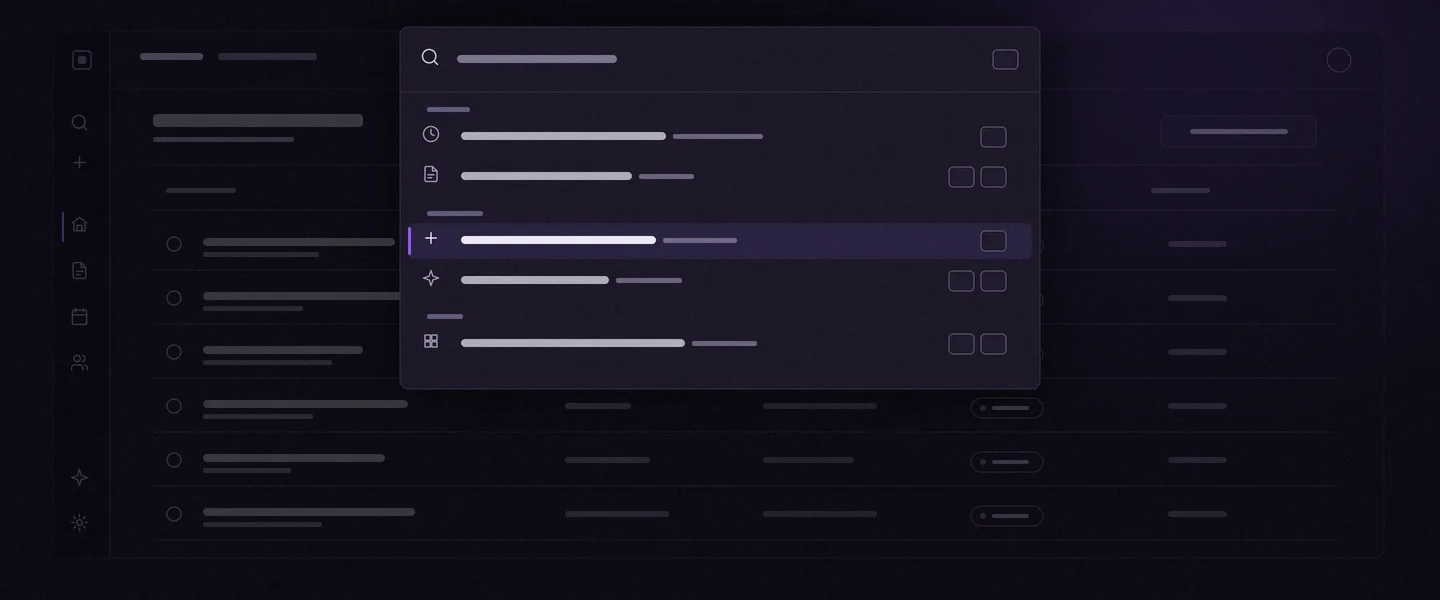
| ⌘K (Ctrl+K on Windows) | Opens the command menu: jump to any contract, go to any screen, or run an action |
| N | Starts a new contract, from any screen |
| / | Jumps to the search box on Contracts and Contacts |
| Esc | Closes the open menu or dialog |
The command menu also shows these shortcuts next to each action, so you can learn them as you go.
Upload, rebuilt
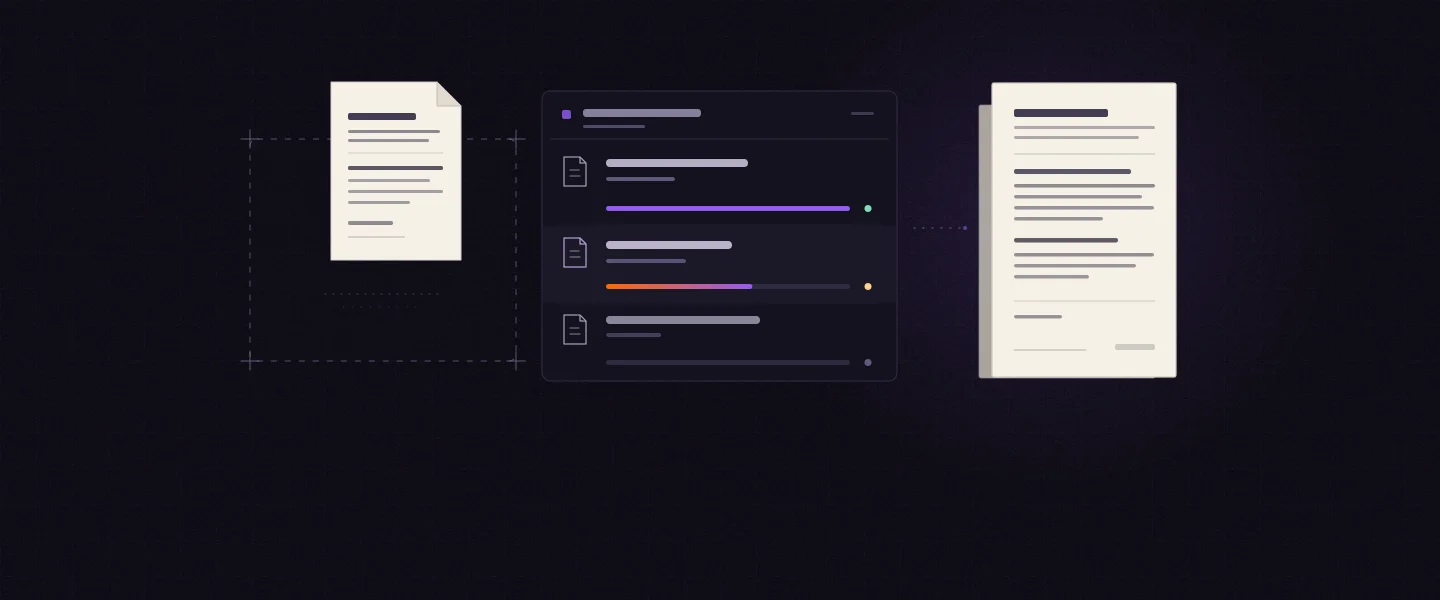
Adding contracts now works the same way everywhere. Press N or use the + button and you get one upload dialog with a queue:
- each file shows its real progress, not a spinner;
- if one file fails, you retry just that file;
- upload a single contract and you land straight in it, ready to add signers.
Also improved
- Contracts: a denser list view is now the default, with status filters in the side panel and the counts for each status.
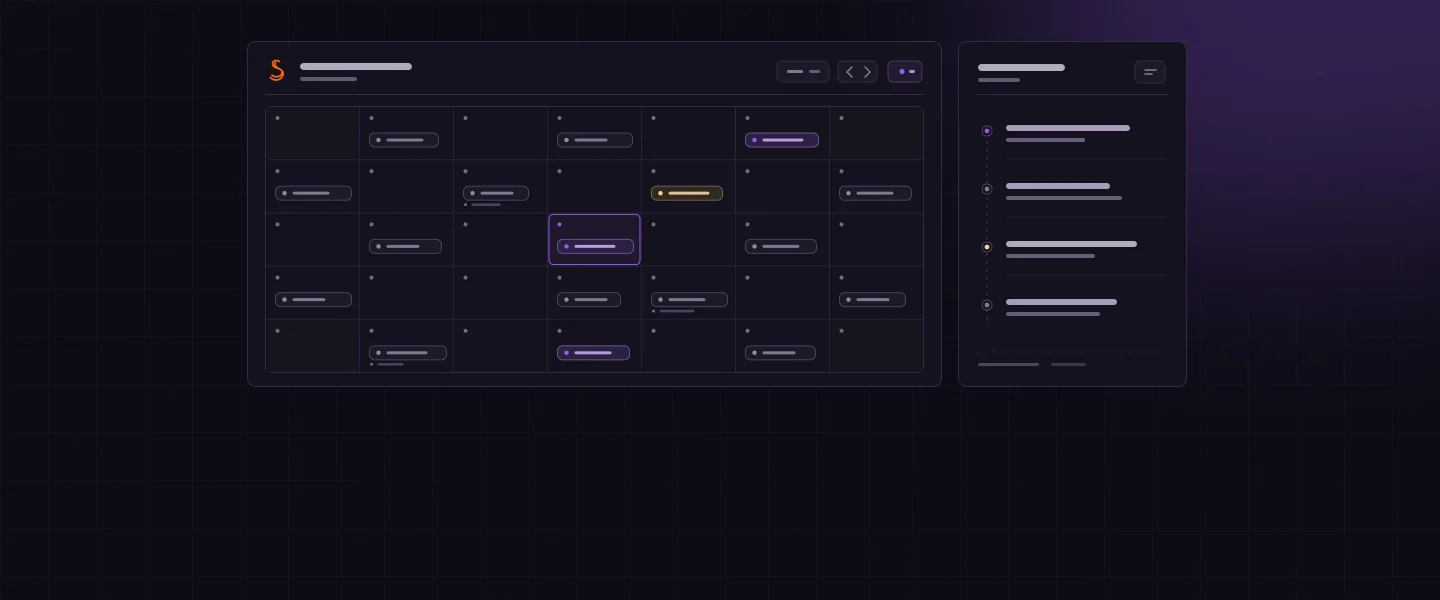
- Calendar: your contracts' key dates on every plan. On paid plans it also lists each contract's obligations.
- Notifications: a notification center grouped by day (today, yesterday, this week, earlier).
- Contacts: redesigned to match the rest of the app.
- A new 404 page, for the rare link that goes nowhere.
What didn't change
Your contracts, signatures, signers, plans and prices are exactly as they were. Nothing to migrate and nothing to set up again. Contracts you sent before today can still be signed from the same links.
Take a look
We would love to hear what you think, especially if something feels off. Reply to any of our emails or use Help inside the app. It reaches a real person.